What happens after the free trial?
After 30 days you need a plan to keep using it. If you don't buy one, your data is not deleted — new entries stop, but you can still view everything and download it to Excel. Buy a plan and everything continues as before.
Do I need a computer?
No. It runs in your phone's browser with nothing to install. You can add an app-like icon to your home screen. It also works on a computer.
Is there a charge for WhatsApp messages?
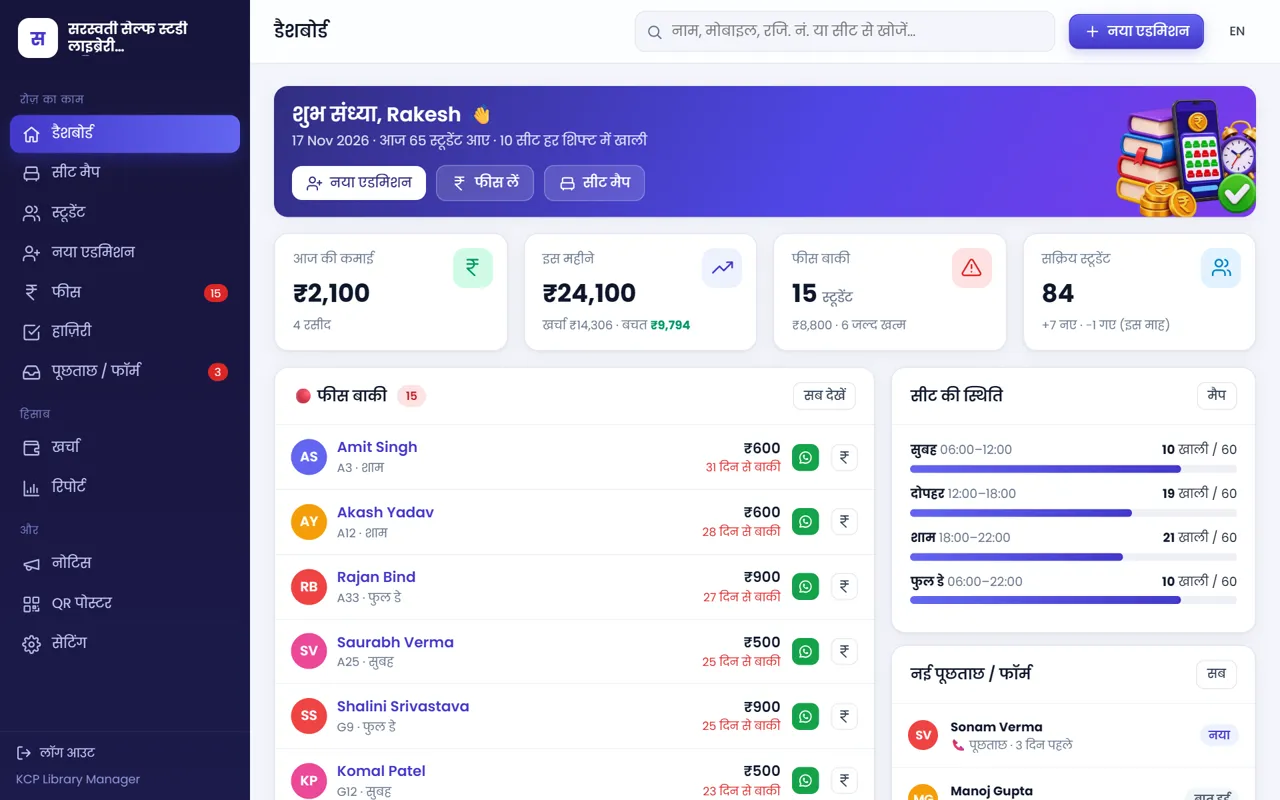
No. Reminders and receipts go from your own WhatsApp — the message is ready, you just tap Send.
Is my data safe?
Yes. Data is stored on Cloudflare's secure cloud, passwords are encrypted, every library's data is completely separate, and a backup is taken every week. You can download everything to Excel any time.
Is the software in Hindi or English?
Both. It opens in Hindi by default and switches to English with one tap.
I already have 100 students. How do I add them?
Use "Students → Import Excel" to add everyone at once (a sample file is right there), or send us your register photo / Excel and our team will add them.
I created 500 seats in the trial. What if I buy the ₹199 (60-seat) plan?
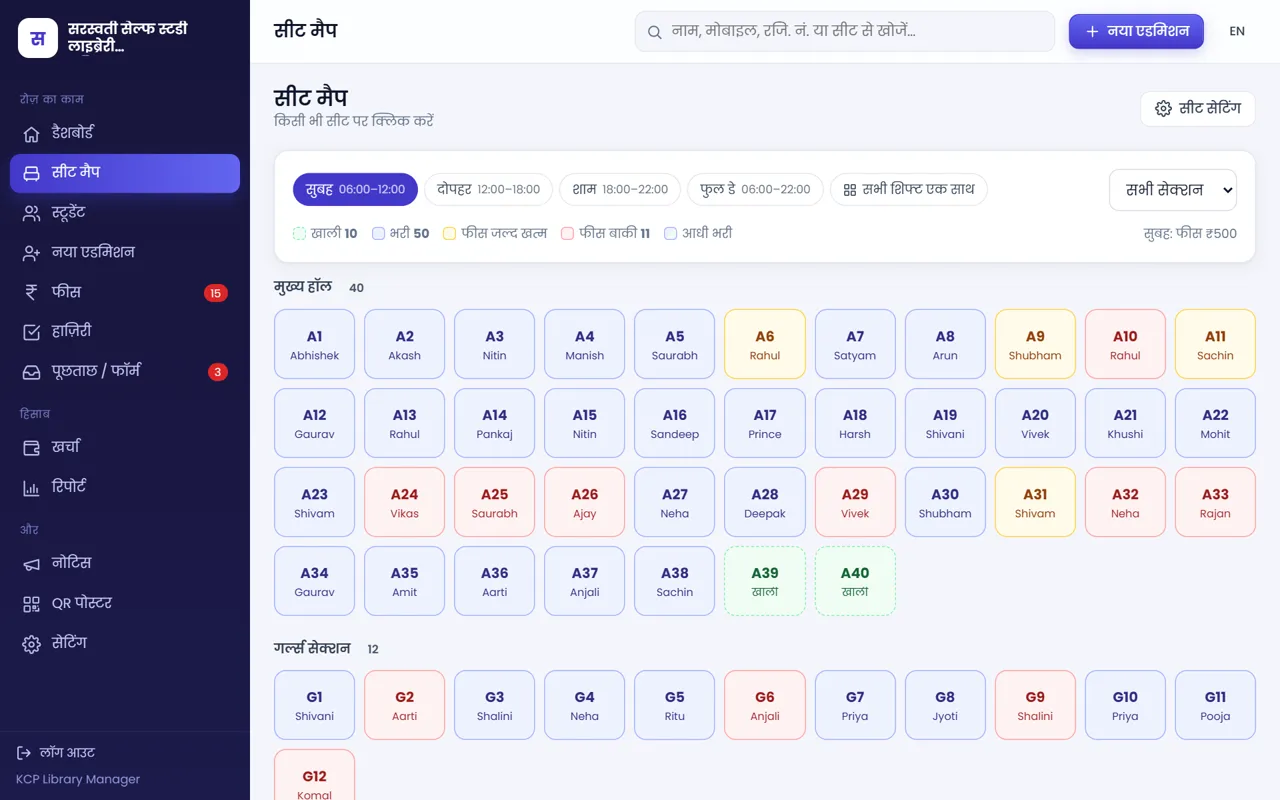
Nothing is deleted — students, fees, receipts and seats all stay. But the small plan can be bought only when active seats are 60 or fewer; with 500 seats the software tells you a bigger plan is needed. Either (1) take the Large plan (₹499, unlimited), or (2) switch off unused seats in "Settings → Seats" — only empty seats can be switched off. Once active seats are 60, the ₹199 plan is available.
Is there a seat limit in the free trial?
No — create as many seats as you like for 30 days. When buying, choose the plan that fits your active seats (up to 60 ₹199, up to 150 ₹299, more ₹499).
Does it work without internet?
It needs internet but uses very little data and works on slow networks. Data is safe in the cloud, so nothing is lost if the network drops.
How many people can use it at once?
The owner plus up to 10 staff logins, each with their own permissions, on separate phones at the same time.
Is there a Play Store app?
It runs in the browser — open it in Chrome and tap "Add to Home screen" for an app-like icon. A Play Store app is coming soon.
A student forgot their PIN?
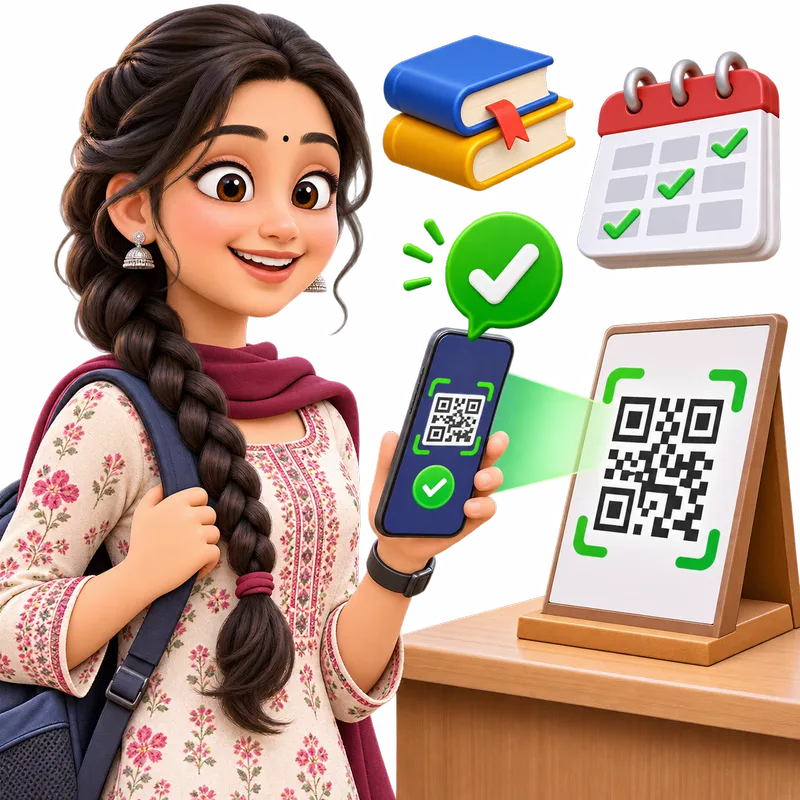
Tap "Send portal PIN" on the student's profile — a new PIN goes on WhatsApp and the old one stops working.
How do I pay, and do I get a receipt?
In the panel tap "Buy plan → Pay now" and pay by UPI, card or net banking (Cashfree) — the plan starts instantly. Every payment is listed under "Past payments" in the plan screen.